Changes to Microsoft Donations
Techsoup NZ • August 16, 2021
MICROSOFT HAS ANNOUNCED A NUMER OF CHANGES HTAT AFFECT NOT-FOR-RPOFITS WITH DONATED OFFICE 365 OR MICROSOFT 365 LICENSES
Utilisation requirement
Microsoft requires organisations to have at least 85 per cent of granted (free, donated) licenses that have been assigned to users in active use. "Active use" means that those users have used at least one Microsoft cloud service in the last 90 days.
These cloud services include Exchange Online (i.e. email accounts), Yammer, Microsoft Teams, and Microsoft 365 Apps.
Usage of perpetually licensed Office apps, such as Office Standard or Office Professional, does not factor into active usage metrics. These changes do not affect volume licenced desktop licences and on-premise Microsoft donations.
What This Means for Not-for-profits
To illustrate what this means, let's look at an example: If you had 20 donated licenses assigned to users, at least 17 of those users would have to have used at least one Microsoft 365 or Office 365 cloud service within the last 90 days.
If you have not met this 85 per cent minimum usage threshold, you may lose all your donated Microsoft cloud licenses, whether or not they're in use. Paid licenses would not be affected.
What About Automated Email Accounts?
As long as the licence assigned to the account is being used (e.g. engaging a Microsoft365 service such as Exchange), that licence will meet the usage requirement and does not need a human user to log in and access.
Access and Use Your Assigned Licenses as Soon as Possible
If you haven't already, you need to ensure every user with an assigned license is regularly accessing their accounts. For new subscriptions, please work quickly to activate and start using the licenses.
If you have more licenses than you need, you may also adjust your Office 365 or Microsoft 365 subscription and reduce the number of licenses that you hold.
To assign your donated licenses to staff members, or to remove users, follow these instructions or watch this guided simulation. The sooner you do this, the better. To learn more, see Microsoft's donated licenses FAQ sheet (PDF).
Donated Office 365 E1 Licenses No Longer Available
Microsoft will also no longer offer donated Office 365 E1 licenses unless you have a specific Enterprise Agreement contract in place with Microsoft. Instead, we recommend you consider one of the Microsoft 365 Business Standard and Premium donation offers. If you are currently using donated Office 365 E1 licenses, your licenses will remain active as long as you use them.
Share
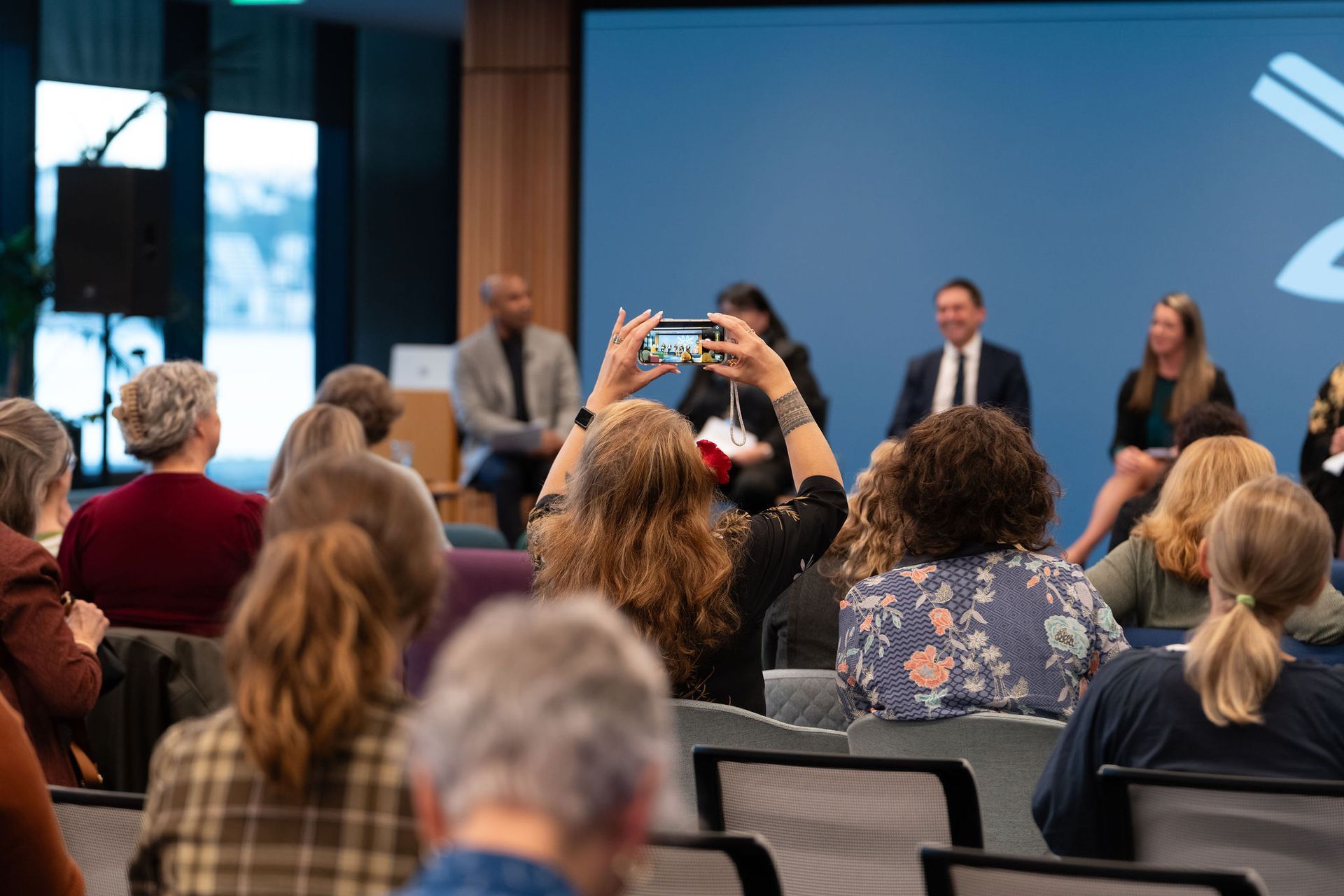
What did New Zealand's political parties have to say about the community sector? Executive Officer Ros Rice reflects on Community Networks Aotearoa's Election Panel and its key takeaways.
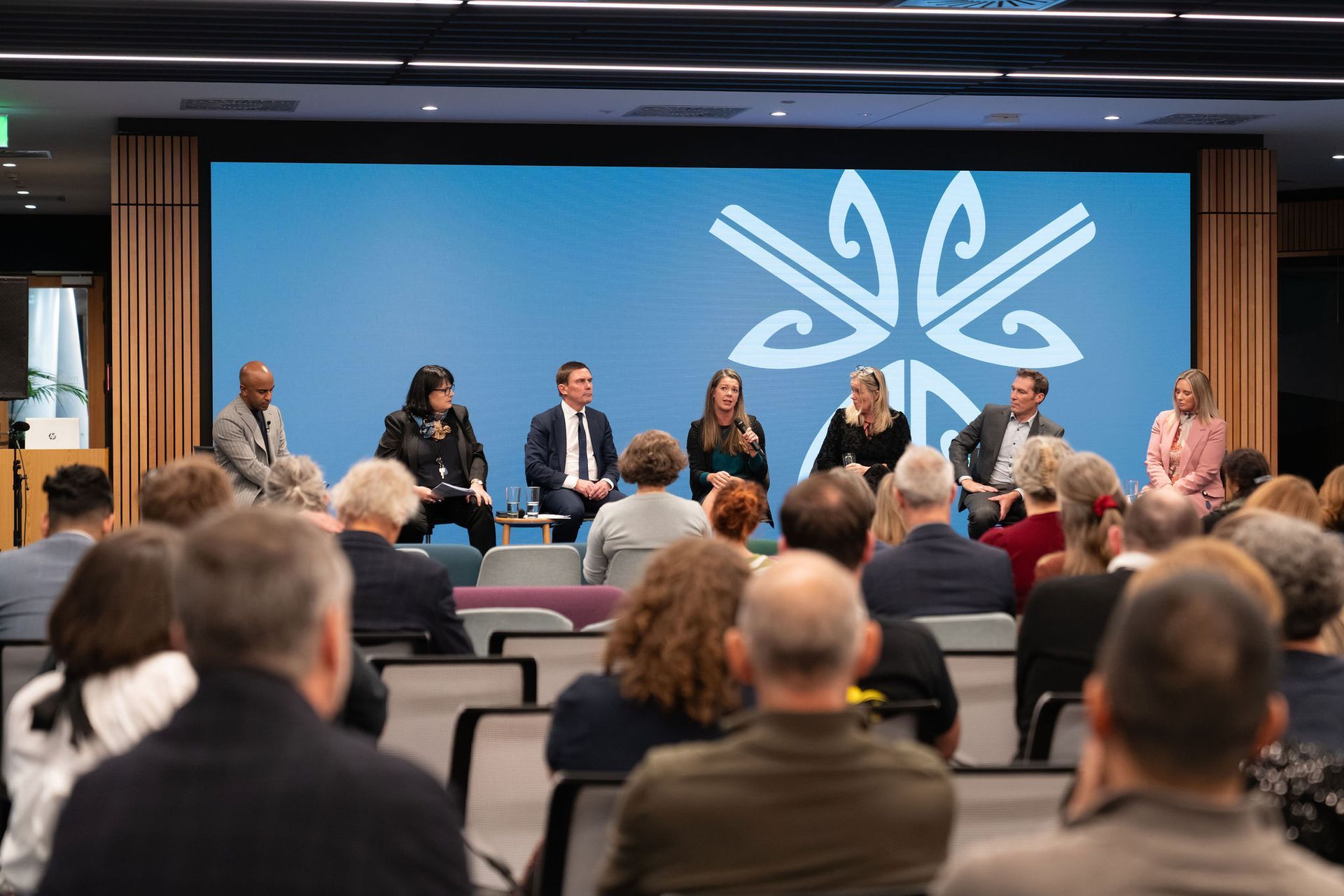
CNA Chair Holly Snape reflects on 1 Sector, 6 Parties, the first 2026 election-focused political panel created specifically for Aotearoa’s community and voluntary sector, highlighting key discussions, sector representation, and why community voices must be part of the election conversation.
Kia ora koutou, Gather your team, pour a drink, and get ready for something a little different. This isn’t your average political panel. It’s a chance for Aotearoa’s community sector to tune in together, listen to the proposed direction, share ideas, and maybe even get a bit fired up about the future. Hosted by Community Networks Aotearoa, ‘1 Sector, 6 Parties Respond’ this live-streamed event brings politicians from across the spectrum into one (virtual) room to talk candidly about the realities facing charities, iwi organisations, and Not-for-Profits. With the next election on the horizon, what they say, and how they say it, matters. And the best part? You don’t have to watch it alone. Turn it into a mini event of your own. Set up a screen in the office, book out the community hall, or invite a few colleagues over. With drinks, nibbles, and ‘hellos’ kicking off from 4:30pm and the panel starting at 5:00pm, it’s perfectly timed to roll straight from work into something social and energising. Guided by political reporter Jehan Casinader, expect a lively, honest kōrero that goes beyond the usual talking points. He’s got the gumption, you bring the cynicism. As a CNA member it’s a great way to bring your organisation together to reconnect, network, and kōhumuhumu. It’s also a great way to remind your people why you’re our member and what they get from your membership with us. We’re always looking for great ways to help you provide excellent and meaningful support. Watching together adds a whole new layer. You’ll catch things you might miss on your own, spark conversations in the moment, and build a shared understanding of what’s ahead. It’s part watch party, part strategy session, with a side of healthy debate. Want to make it count? Try this: Make it a watch party: Bring shared kai (remember those dietary peeps too!), and a relaxed but curious vibe—think less lecture, more shared experience. Get ready to kōrero: Bring a pen and paper and make moments to react, question, or celebrate what you’re hearing. Capture the “aha” moments: Jot down ideas or quotes that hit home for your team; and what you might be able to put in your newsletter. Turn talk into action: After the stream, ask “So what do we do with this?” and pick one or two next steps. This is your chance to connect, reflect, and maybe even challenge what you think you know. So don’t just tune in, show up, together, and be part of the conversation shaping the road ahead. The election is closer than you think! Ngā mihi, Patrick Davies, Engagement Officer